 Contents → Image markup
 This page is a tutorial for using Memory Alpha's image-formatting syntax. There are a number of features available to make the presentation of images in an article cleaner and more attractive.
Syntax
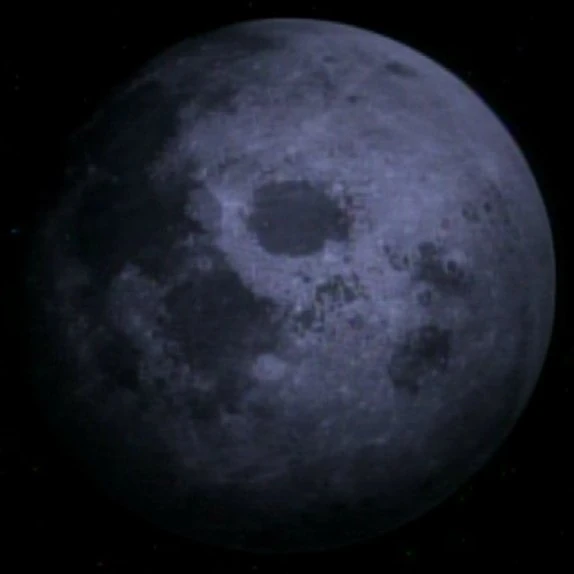

Luna
The basic format for displaying an image is [[File:Moon.jpg|thumb|Luna]], which outputs the image which can be seen to the right on desktop devices and above on mobile devices.
To alter the thumbnail's horizontal alignment, add left to left-align the image, center to center-align the image, or none to force the image to render inline. Place the alignment keyword between thumb and the caption, surrounded by two vertical bars.
To override the default thumbnail display width set in user preferences, add a number and the abbreviation px for "pixels", e.g., "150px". If it is necessary to specify the height instead, preface the pixel-value with a lowercase x, e.g., "x150px". Place the pixel-value between thumb and the caption, surrounded by two vertical bars.
To change the link target of the image, add link=target between thumb and the caption, surrounded by two vertical bars. For example, [[File:Moon.jpg|20px|link=https://en.wikipedia.org/wiki/Moon]] renders as  (an external link), and [[File:Moon.jpg|20px|link=Moon]] renders as (an internal link).
Vertical bars (the pipe "|" character) are used to separate options from each other and from the caption text. Unknown options are ignored and the final parameter is used as the caption text. Note that the caption text should not end with a period.
Images can be linked to without displaying the image by putting a colon in front of the image link, e.g., [[:File:Moon.jpg]], which displays as File:Moon.jpg. These can also use pipes like standard links, e.g., [[:File:Moon.jpg|text here]], resulting in text here.
See also
Help | |
|---|---|
| Logging in and preferences | |
| Reading | |
| Editing | |
| Style and formatting | |
| Tracking changes | |
| Page management | |
| Special input and output | |
| Advanced functions | |
| Administration | |